Markdown
Markdown
Locations of key files/directories
- Basic config:
_quarto.yml - Single pages: top-level
.qmdfiles (index.qmd,cv.qmd, …) - Collections of pages are
.qmdfiles in:publications/portfolio/posts/teaching/talks/
- Footer:
partials/footer.html - Static files (like PDFs):
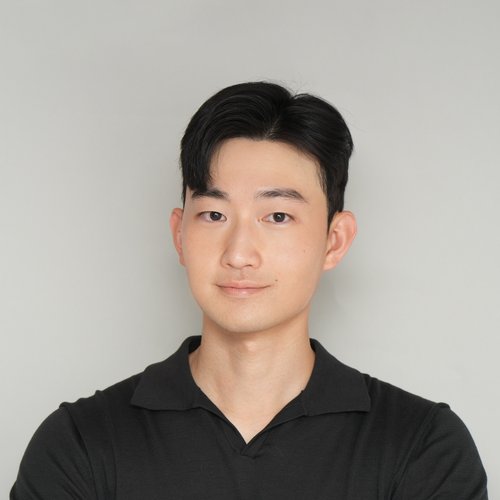
/files/ - Profile image:
images/profile.png
Tips and hints
- Each collection item is a
.qmdfile with YAML front matter (title, date, venue, etc.) that feeds both the listing pages and the individual page. - This site uses Quarto’s
listing:feature with custom templates (seepartials/listing-templates/) to build the Publications, Talks, Teaching, Portfolio, and Blog Posts pages. - Your CV is written directly in
cv.qmd, combining static Markdown sections with compact listings pulled from the publications/talks/teaching collections.
MathJax
Support for MathJax is included by default in Quarto:
$$ \begin{aligned} \nabla \cdot E &= \frac{\rho}{\epsilon_0} \\ \nabla \cdot B &=0 \\ \nabla \times E &= -\partial_tB \\ \nabla \times B &= \mu_0 \left(J + \varepsilon_0 \partial_t E \right) \end{aligned} $$
Mermaid diagrams
graph LR
A-->B
Markdown guide
Header three
Header four
Header five
Blockquotes
Quotes are cool.
Tables
| Header1 | Header2 | Header3 |
|---|---|---|
| cell1 | cell2 | cell3 |
| cell4 | cell5 | cell6 |
Unordered Lists (Nested)
- List item one
- List item one
- List item one
- List item two
- List item two
- List item one
- List item two
- List item three
Buttons
Make any link stand out more by applying the .btn class:
Code
print('Hello World!')